
Stop Typing the Same Form for Every Design: AI Auto-Fill Is Here

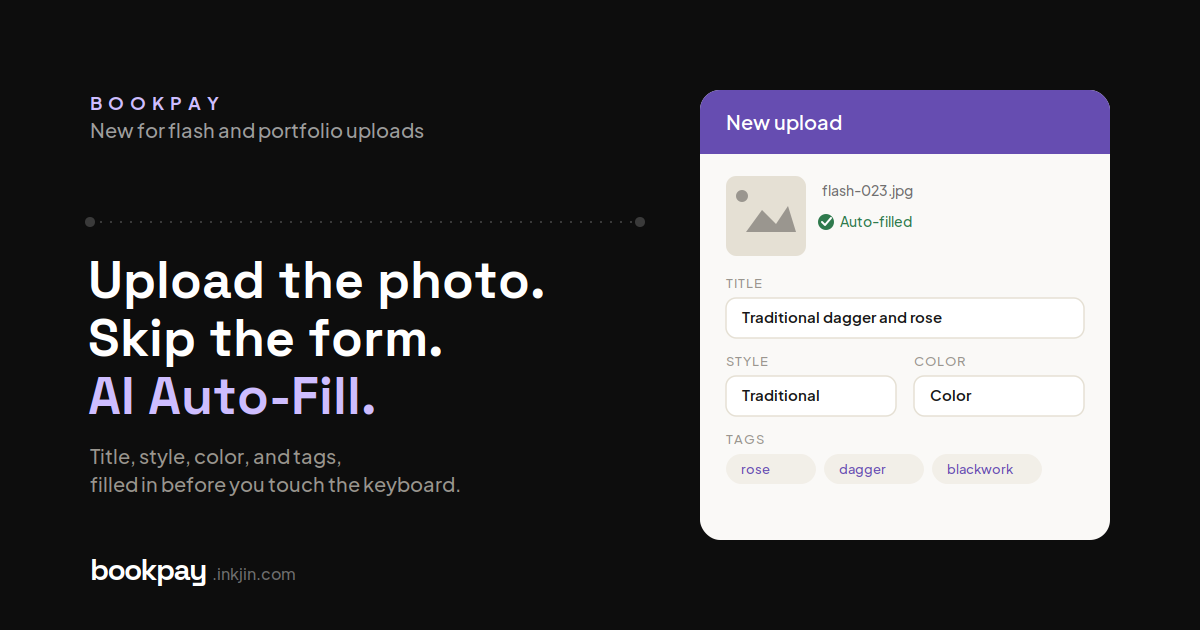
Uploading flash used to mean filling out a form for every single design. Title, style, color, tags, the works. Do that fifty times and most artists just stop uploading. The good stuff sits on an iPad instead of on their page.
We built a fix.
Introducing AI Auto-Fill
Upload a photo and Bookpay's AI looks at the piece and fills in the title, color mode, style, and matching tags on its own. You check that everything's right, hit upload, and you're done.
This works the same way for your portfolio. Import a photo, and the details that used to take a few minutes of typing are filled in before you've even reached for the keyboard.
Every field stays editable. The AI gets you most of the way there, but the final call is always yours.
Why it matters
Less typing means fewer designs stuck in your camera roll. When adding a piece takes ten seconds instead of two minutes, you actually do it, and more of your real work ends up bookable on your page instead of buried on a device nobody sees.
It also means a fuller, more accurate profile with a lot less effort. Consistent tags and style labels make your work easier to find and easier for a client to browse.
How to use it
Upload a flash design or portfolio photo like you always do. Bookpay fills in the details automatically. Review, adjust anything that's off, and publish.
Got flash sitting unused because uploading felt like a chore? Now's a good time to clear the backlog.
Live now on BookPay.