
Guest Spots - Update: Reserve a Spot and Share Your Link Directly
Clients can now reserve a spot directly
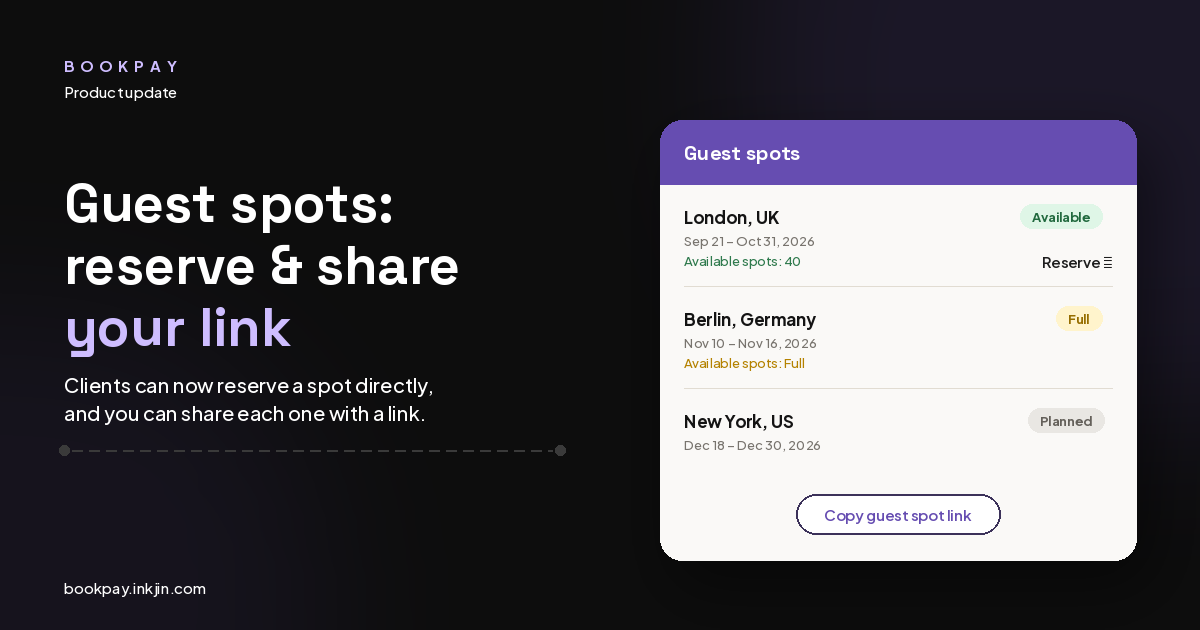
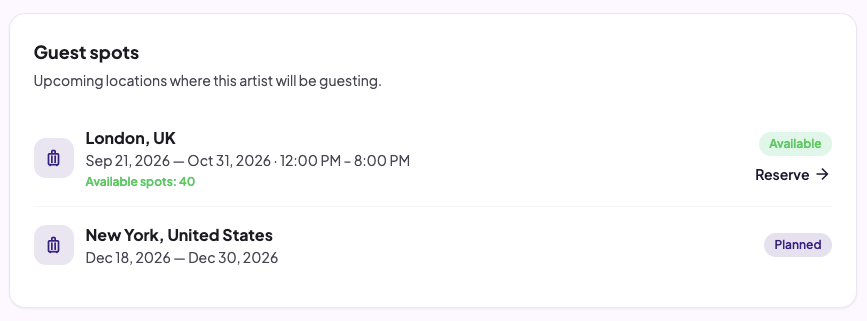
Every guest spot listed on your booking page now shows a Reserve link right next to it. Clients see your location, dates, and how many spots are still open, and they can request a spot on the spot (no more DMs asking "are you still open in London?").
Each listing shows:
- The city and country
- The date range and hours you're working
- How many spots are still available, or a Full badge if the spot is filled
If a client reserves and you haven't opened bookings yet, the listing stays in Planned status so people know you're heading there, but requests aren't open until you switch it to Available.
More control over how each guest spot runs
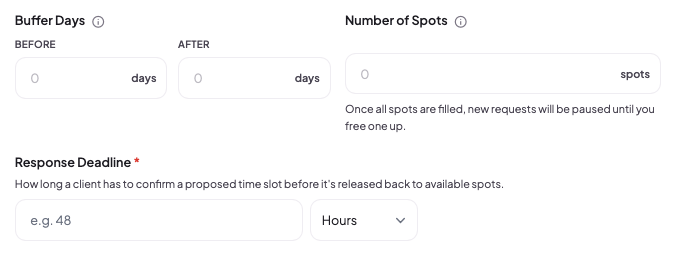
When you set up a guest spot, you can now fine-tune a few things:
- Buffer days — block off time on your home-studio calendar before and after your travel dates, so clients can't book you at home while you're actually in the air or setting up at the new studio.
- Number of spots — set a cap on how many clients you can take for that trip. Once every spot is filled, new requests pause until one frees up.
- Response deadline — once you send a client a proposed time, they need to confirm it and complete their booking and deposit within this window, or the spot gets released back to the pool for someone else.
All three are optional and up to you. Leave spots at 0 for unlimited, skip the buffer if you don't need it, and set whatever deadline fits how far out you're booking.
Copy your guest spot link and share it anywhere
Up to now, the only way clients found your guest spots was by visiting your booking page and clicking through to the guest spot tab. Now, every active guest spot has its own Copy guest spot link button.
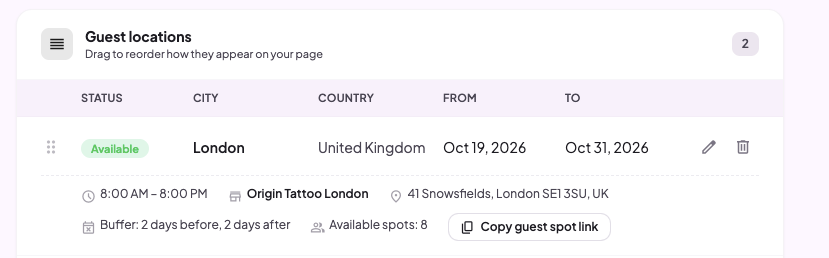
That means you can grab the direct link to a specific guest spot's request form and post it in a Story, drop it in a caption, or send it in a DM, and the client lands right on that guest spot's form instead of your general booking page. No extra clicks, no explaining which tab to look under.
Between spot limits, buffer days for travel, and a link you can drop anywhere, guest spots are built to fill themselves while you focus on the actual trip.